This specialized tool allows the inventory manager to modify certain aspects for a specific batch or group of products.
It is possible to modify sales prices, enable or disable availability, modify or create promotions, and perform other maintenance tasks
on inventory product prices.
For example, for an inventory containing items sold inclusive of taxes, this tool would be very useful following a change in tax rates.
Depending on the selected processing method, the Calculation Settings section updates to display the relevant parameters.
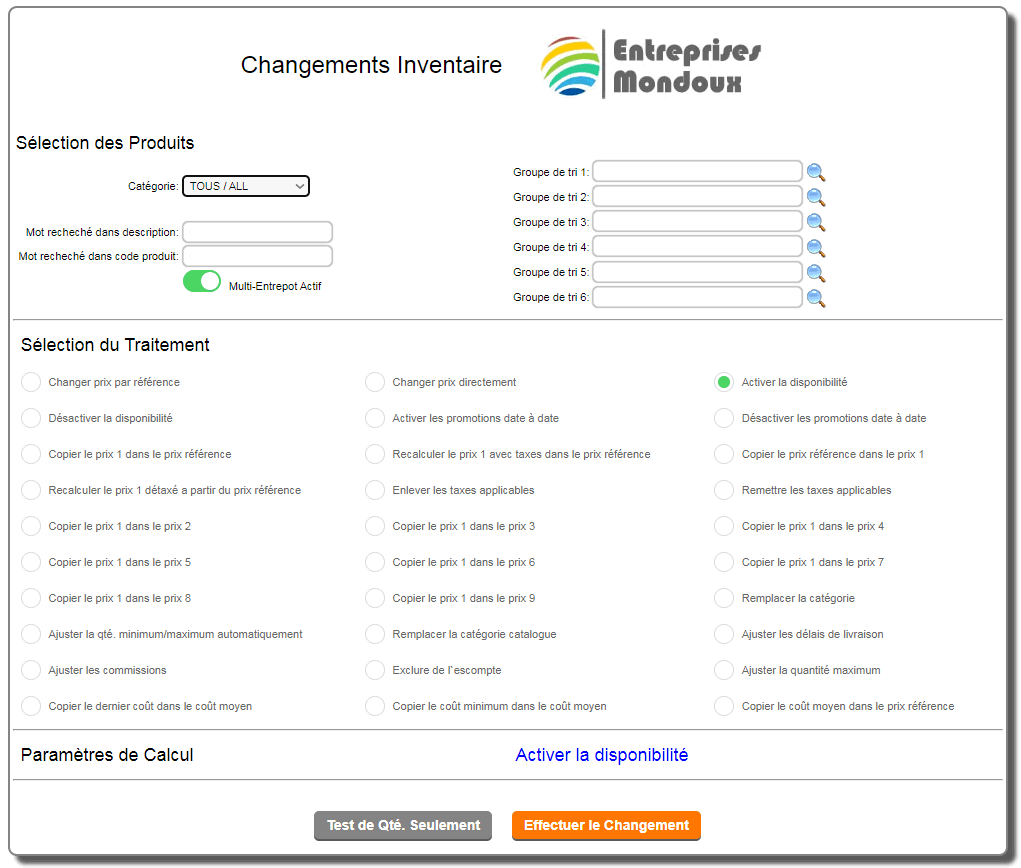
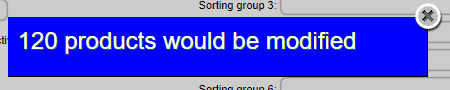
The "QTY. TEST ONLY" button allows you to see how many records will be affected by the desired processing method.
Special Processing
-Change Price by Reference: This process modifies prices according to the following criteria:

a percentage applied to factors already in place in the record, a percentage applied to current prices, a percentage applied to the cost price, or an amount directly added to the price.
-Change Prices Directly: This process modifies prices according to the following criteria:
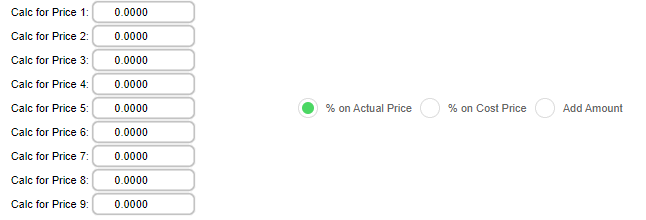
A percentage applied according to your choice, to the current selected prices, a percentage applied to the cost price, or an amount directly added to the price.
-Enable or Disable Availability: This process enables or disables availability (CATALOG page).
-Enable or Disable Date-to-Date Promotions: This process enables or disables promotions according to your criteria.
-Copy or Recalculate Prices: This process copies or modifies prices according to your criteria.
-Adjust Minimum/Maximum Quantity Automatically: Applies the automatic calculation (see inventory sheet) for quantities. Minimum and maximum
-Copy the last cost into the average cost: This operation is especially useful for cost error mode.
-Reset the quantity to zero: This operation is especially useful for quantity error mode.
|
|