These types are used in invoice tracking, selective invoicing and sales order tracking to code documents according to their status.
You can change the name and color associated with the type (for the first 8) and add additional tracking types as needed.
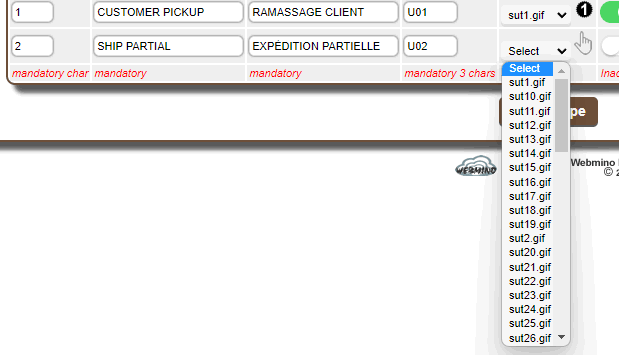
You must enter a unique character to be used in the prefix, and a 3-character code for CSS to validate the new type.
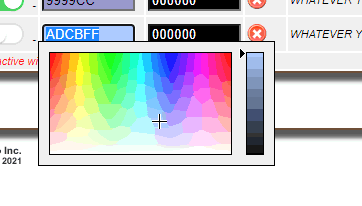
The first 8 types can only be disabled but cannot be deleted because they have specific behavior for the associated documents.
A disabled type will not be visible in tracking or captions.
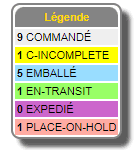 |
The invoice and order tracking legend shows the desired types and their status based on this configuration. The shipping console uses this configuration as well.
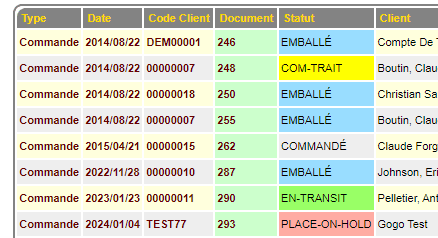
The status of invoices and orders is also visible in document upload and most tracking functions.
|
 |
|