Chapter 8 Special Settings
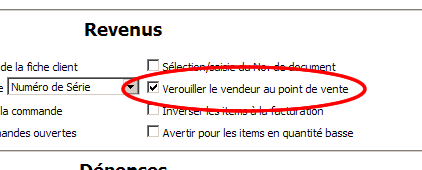
Depending on the Lock the Point of Sale to Salesperson setting in the Operations section of the Administrative Settings, the salesperson can or cannot be changed.
This setting, once enabled, prevents the cash register from returning to the input keypad after a receipt is saved.
|
|
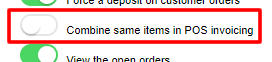
The Combine same items to POS invoicing setting allows the system to match identical items on the invoice.
If you scan the same product 4 times, this will produce 1 line with 4 copies of that product.
|
|
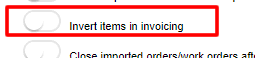
| If the Invert items in invoicing setting is enabled, the system will place the last entered item at the top.
|
|
The Invoicing MODE auto-advance-item setting in PROFILES activates, for this profile only, the point-of-sale mode: automatic individual entry of the scanned item without having to press ENTER to the end of the line.
This mode will be disabled if the product is a weighed item (setting checked in the product details) or if the selling price is 0.00.
|

|
|
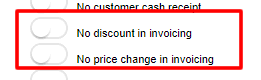
Also in PROFILES, the settings No discount on invoicing or No price change on invoicing will apply the appropriate restrictions to members of that profile.
|
|
|
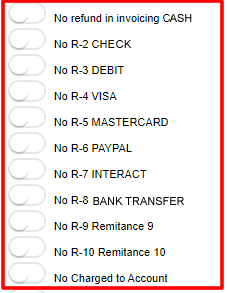
It is possible to restrict members of a PROFILE from certain remittance or operations such as refunds on invoicing.
|
|
|