Chapter 10 Payments and Deposits
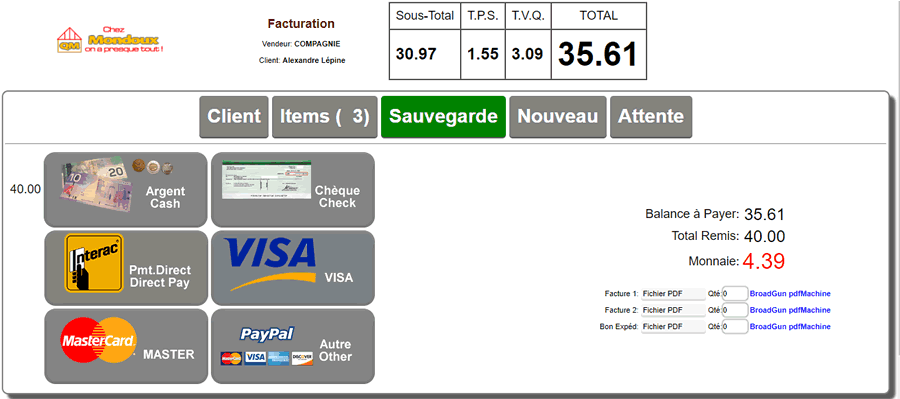
On an invoice, the Payment button allows you to enter the customer's payment method.
By default, no payment is made, and the invoice is posted to the customer's account.
If this is a CASH invoice, some form of payment will be required for the save to be accepted.
|
|
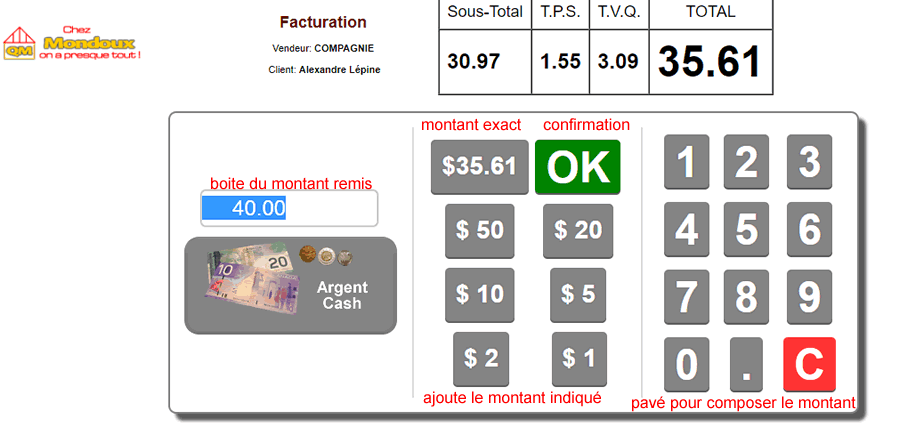
| Clicking one of the buttons will place the full amount into this discount.
You can split the total amount among the available payment boxes if needed.
Any amount exceeding the TOTAL will be considered change.
Deposit buttons can be configured in ADMINISTRATIVE SETTINGS
OPERATIONAL BEHAVIOR section to activate the buttons
and in the CUSTOMER CLASSIFICATIONS section for G/L accounts.
|
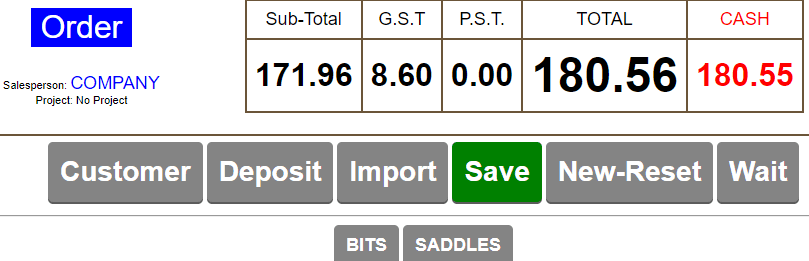
On an order, this button will be named Deposit
Its operation is identical to that of an invoice except that:
An account is required, and upon saving, a Deposit Receipt will be created to credit the deposit to the customer's account.
Therefore, a deposit cannot be accepted for a CASH customer.
|
|
In order mode, a deposit receipt will be automatically created for each deposit added when modifying the order.
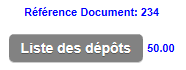
If a deposit already exists, a "List of Deposits" section will appear on the left, allowing you to view the deposits received.
INVOICE SETTLEMENT UPON IMPORTED ORDER WITH DEPOSIT
For the settlement of an invoice created by importing an order
or work order, a deposit may be required.
The section with the DOCUMENT REFERENCE heading will indicate
if a deposit has been made on the order or work order.
By clicking the list of deposits, you can view the deposit receipts. |
 |
If a deposit exists for the REFERENCE,
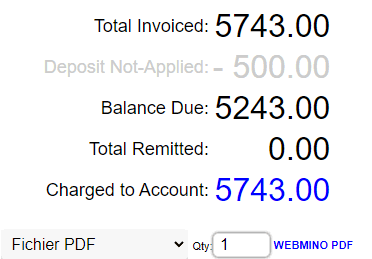
when you click the SETTLEMENT button, you will see the applicable deposit amount
and the remaining amount due.
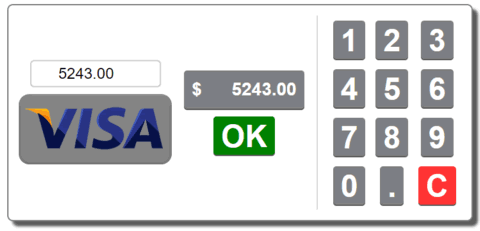
By default (NO SETTLEMENT)
the amount will be credited to the customer's account as usual.
The difference due will be the customer's account balance.
|  |
 |
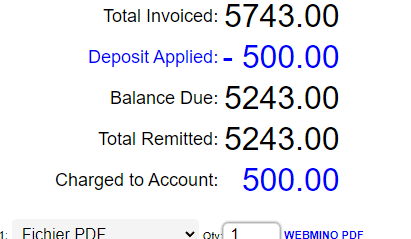
(WITH SETTLEMENT)
By default, the remaining amount is allocated to the settlement.
|
You will see a note indicating the deposit applied, along with the deposit amount credited to the account
to balance the charge - credit to the customer's account. |
 |
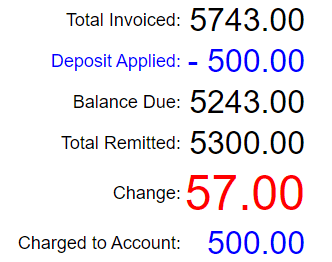 |
If an amount greater than the remaining balance is given,
you will see the change and a note indicating the deposit applied,
with the deposit amount credited to the account
to balance the charge - credit to the customer's account. |
|
|